• Sat. Sep 12th, 2026

Smartphones are powerful devices, but accidents happen. Whether it’s a cracked screen, broken home button, or a complete device failure, losing access to your phone can feel like a disaster—especially if you’re worried about losing your valuable data. Thankfully, depending on the severity of the issue, there are various methods to recover your files from a broken phone. The recovery approach you should prioritize depends largely on the problem you’re dealing with.

1. When the Screen or Home Button Is Malfunctioning

If your phone’s screen is cracked or the home button is unresponsive, but the device still works, you can often use alternative control methods to retrieve your data.

Using an OTG Mouse for Android Devices

If your touchscreen is unresponsive but the phone still functions, you can use an OTG (On-the-Go) mouse to control your device. This allows you to unlock the phone and transfer files even if the screen is shattered.

  • Step 1: Connect an OTG mouse to your Android device using an OTG cable.
  • Step 2: Use the mouse to enter your password or unlock pattern to gain access to your phone.
  • Step 3: Once your phone is unlocked, disconnect the mouse and connect the phone to a computer via a USB cable.
  • Step 4: Open Windows File Explorer, and navigate to your phone’s storage. From there, you can copy and paste the files and folders you want to recover to a folder on your PC.

This is an easy and effective method for recovering files from an Android device when the screen is damaged but the phone still works.

Using AssistiveTouch on iPhones

For iPhones, especially those models before the iPhone X with the iconic home button, Apple includes an AssistiveTouch feature that allows users to navigate the phone without needing the physical home button.

  • Step 1: Go to Settings > Accessibility > Touch.
  • Step 2: Enable AssistiveTouch, which will display a floating on-screen menu.
  • Step 3: Use the menu to navigate your device and recover your data, even if the physical home button is broken.

This feature is particularly helpful for accessing your phone’s functions if a broken home button is the main issue.

2. When Your Phone Stops Responding Entirely

If your phone has completely stopped responding, and you can’t access it via the touchscreen or home button, there are still ways to retrieve your data, although they may require additional tools or professional help.

Remote Data Recovery via Another Phone or Computer

In cases where your phone’s screen is completely unusable or it has completely stopped responding, you might need to use a computer or a second phone to remotely access the data. This approach is common for Android devices like Samsung, Motorola, and Google Pixel, which often store data on SD cards.

  • Step 1: If your phone has an SD card, remove it and insert it into another device (such as another phone or a computer) to recover the files stored on it.
  • Step 2: Alternatively, you can use Android File Transfer or a similar tool to connect your broken Android phone to a computer via USB cable. This allows you to transfer files directly from your phone to your computer.

Use a Professional Data Recovery Service

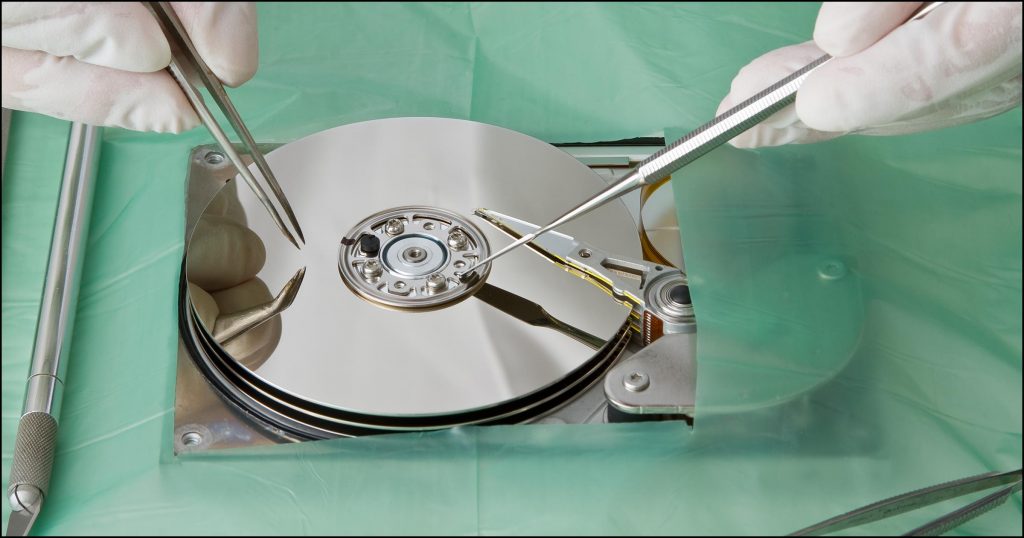
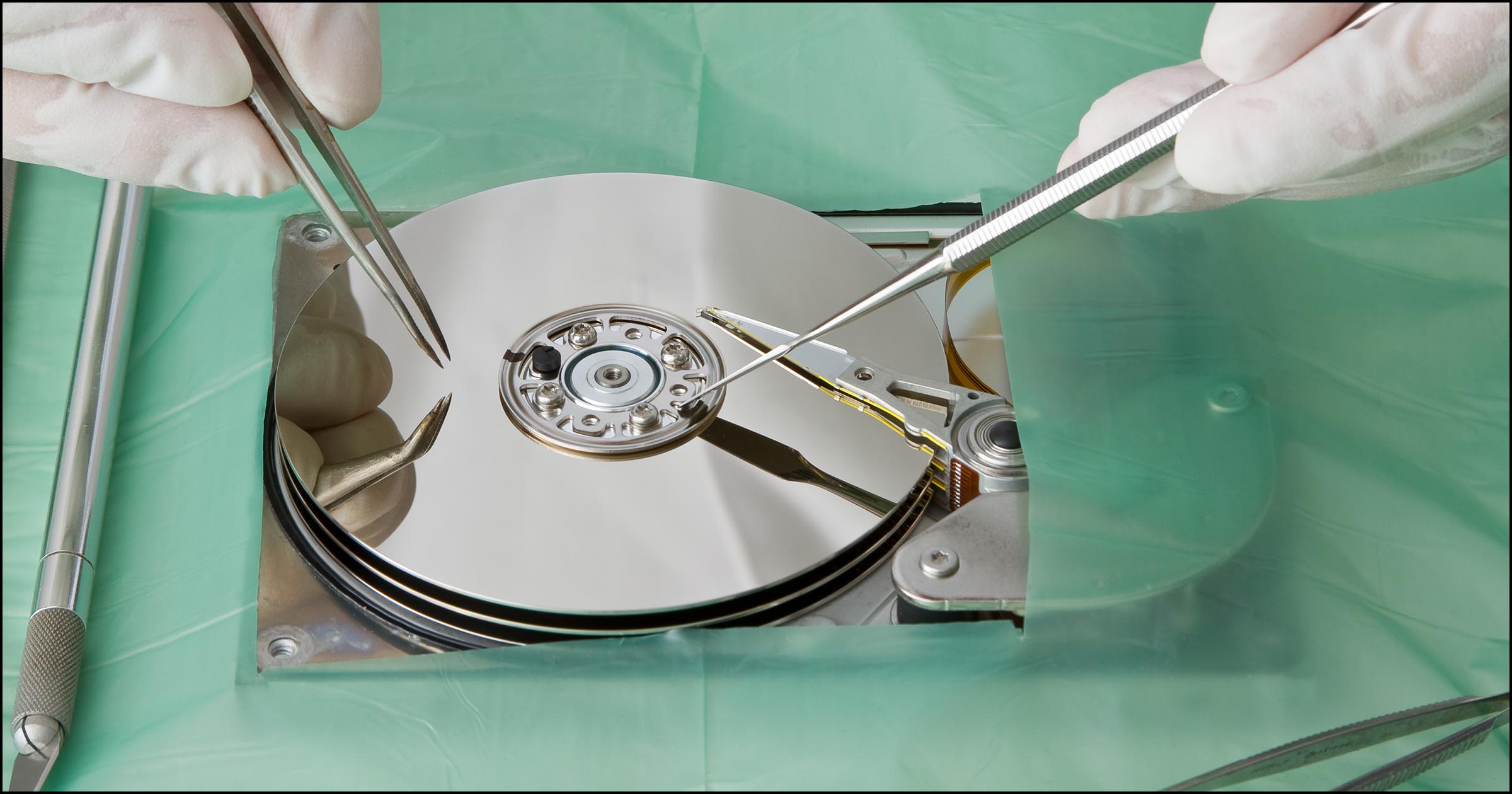
If your device has internal damage or if the above methods don’t work, it may be time to seek help from a professional data recovery service. These services specialize in recovering data from phones that are severely damaged, even those with broken screens or other internal issues.

Conclusion

When your phone is damaged, whether it’s a cracked screen, unresponsive home button, or complete failure, data recovery is possible with the right tools and methods. For minor issues like a broken home button or unresponsive screen, you can often recover your data by using an OTG mouse for Android devices or AssistiveTouch for iPhones. If your phone is completely unresponsive, you may need to rely on remote recovery methods or professional data recovery services to retrieve your important files.

It’s always a good idea to back up your data regularly to avoid the stress of data loss in the event of damage. Whether you use cloud storage or external devices like SD cards, having a backup can make data recovery much easier and more efficient.