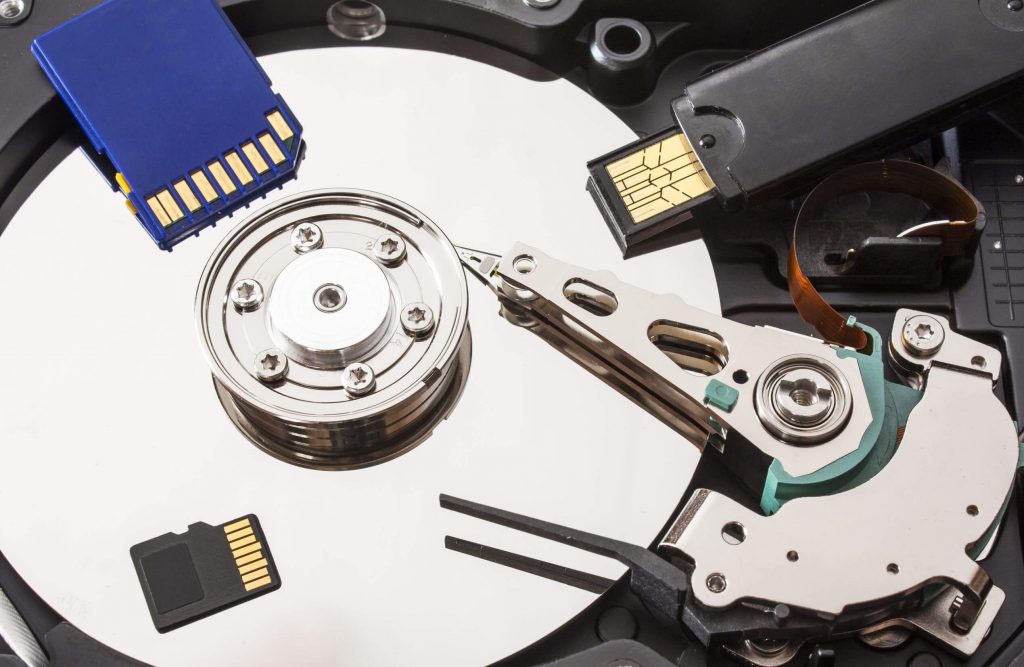
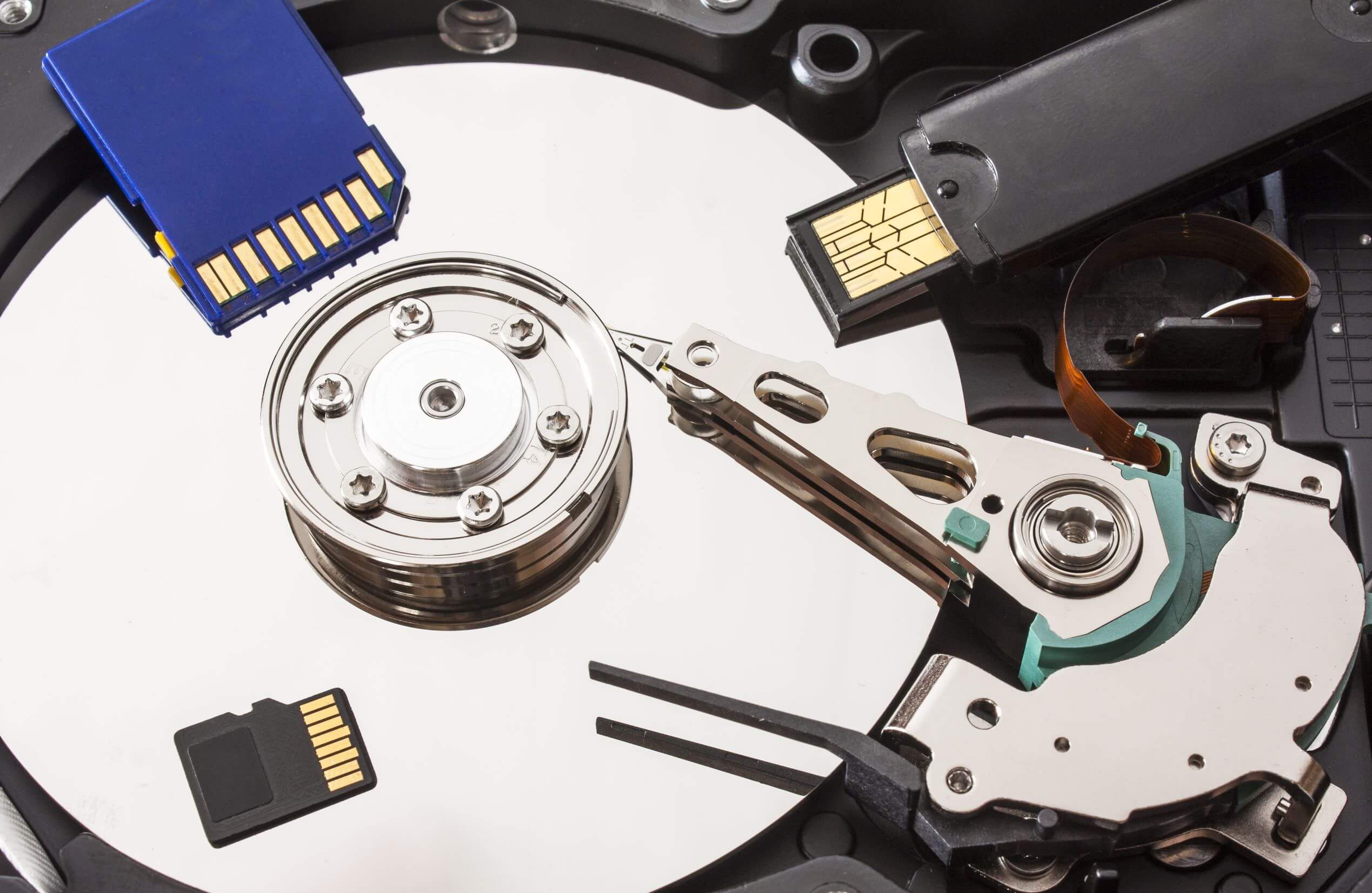
Hard drives are crucial for storing important data, but like all storage devices, they have a limited lifespan. Depending on factors such as quality, usage, and environmental conditions, a hard drive can last anywhere from 5 to 10 years. However, high temperatures, humidity, and other external factors can accelerate wear and cause hard drives to fail unexpectedly, leading to potential data loss.
If you find yourself facing a damaged hard drive and wondering how to recover your data, you’re in the right place. In this article, we’ll explore the possibilities for recovering data from a damaged hard drive, methods you can try on your own, and when it’s time to seek professional data recovery services.
Can You Recover Data from a Damaged Hard Drive?
Yes, it is often possible to recover data from a damaged hard drive, depending on the extent of the damage. Here are a few approaches to consider:
1. Connect the Damaged Hard Drive to Another Computer
- Step 1: First, try connecting your damaged hard drive to a working computer via USB or SATA connection.
- Step 2: If the drive is detected by the computer, try browsing and accessing the files stored on it. If you can access the data, copy it to a healthy drive immediately.
- Step 3: If the hard drive is accessible, but certain files are corrupted or missing, you may use specialized data recovery software to recover those files.
2. DIY Repair Attempts
- Note: If the damage is physical (e.g., a clicking sound or motor failure), DIY repairs are not recommended, as they could cause further damage and make data recovery more difficult.
- However, if the issue seems related to logical corruption (e.g., bad sectors or file system corruption), software tools may help you recover your data.
- Tools: Consider using recovery software like Recuva, EaseUS Data Recovery, or Disk Drill to scan the damaged drive for recoverable data.
3. Using Data Recovery Software
If the drive is not detected or accessible through normal means, or if you encounter errors trying to recover files, professional data recovery software may help retrieve your files. Many of these programs are designed to scan and recover files from drives with logical issues, such as:
- Corrupted files: Recovering files that have become damaged or unreadable due to software issues.
- Formatted drives: Recovering files after a drive has been formatted by mistake.
4. Seeking Professional Data Recovery Services
If DIY methods fail, or if your drive is physically damaged (e.g., the drive makes strange noises or doesn’t spin up), you may need to turn to data recovery services. These services use advanced tools and techniques to recover data from severely damaged or malfunctioning drives, including:
- Cleanroom Recovery: If there’s physical damage (like head crashes or motor failure), the drive may need to be opened in a cleanroom environment to prevent dust and contamination from damaging internal components.
- Advanced Recovery Software: These services employ specialized software designed for more complex data recovery, such as recovering data from failed RAID arrays, severely corrupted file systems, or drives with physical damage.
Tips for Hard Drive Data Recovery
- Act Quickly: The sooner you attempt recovery, the higher the chances of success. Continuing to use a failing hard drive can further damage the data and make recovery more difficult.
- Avoid Using the Damaged Drive: If you suspect physical damage to your drive, refrain from using it. Continuing to try and access the drive may cause additional harm to the platters or internal components.
- Use Trusted Recovery Software: If you’re opting for DIY recovery, make sure you use reliable data recovery software, as low-quality tools could cause further damage or fail to recover your data properly.
- Create Backups: After you recover your data, it’s essential to back up your files regularly to prevent future data loss. Using cloud storage or external drives can help safeguard against future failures.
Conclusion
While data recovery from a damaged hard drive is often possible, the process depends on the type and severity of the damage. For minor issues, you may be able to recover data using simple software tools or by connecting the drive to another computer. However, for physical damage or more complex scenarios, professional data recovery services are your best option. They offer advanced tools and expertise to recover data safely from severely damaged hard drives.
If you need help with data recovery from a damaged hard drive, don’t hesitate to contact a professional data recovery service. The sooner you act, the higher your chances of successfully recovering your important files.